
Devices
- Which staff devices will use the network, and do they support the needed bands and eSIM?
- Which building systems need a connection, and where are they located?
Enterprise, education, and healthcare
Extend a managed network across buildings, parking areas, and the outdoor spaces between them.
Campuses look at private cellular to cover the spaces between and around buildings, connect staff devices and building systems, or add a managed network alongside Wi-Fi. The deciding questions are usually device support, SIM management, and how the network joins existing IT systems.
Bands, SIM or eSIM support, and certifications decide which devices can join.
Where devices actually operate—including changing obstructions—drives radio placement.
Plan how traffic reaches existing systems, identity, and security controls.
Answer these with your team first. They decide which equipment fits and what a vendor or integrator needs to quote accurately.
Products whose own documentation names this setting or use, or that the guide links for comparison. Listing is not a recommendation; check each record's sources and unknowns.
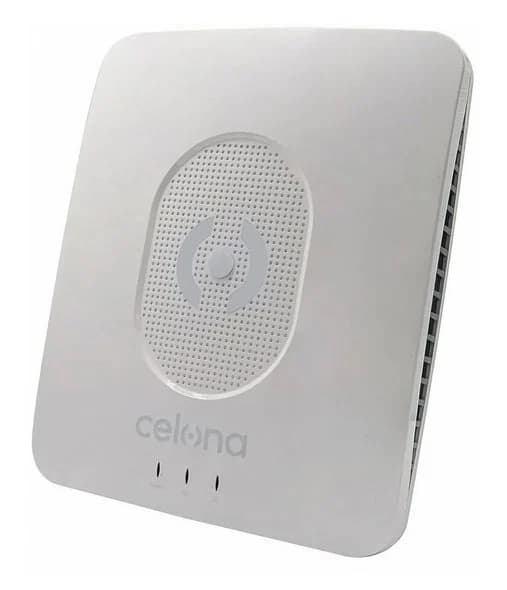 Radio · LTE + 5GCelonaCelona AP 20Sold by Waveform
 Radio · LTE + 5GEricssonEricsson Radio Dot SystemComplete network · 5GSamsung NetworksSamsung private network solutionSAS / serviceFederated WirelessFederated Wireless CBRS Spectrum ControllerSAS / serviceKajeetKajeet Sentinel®
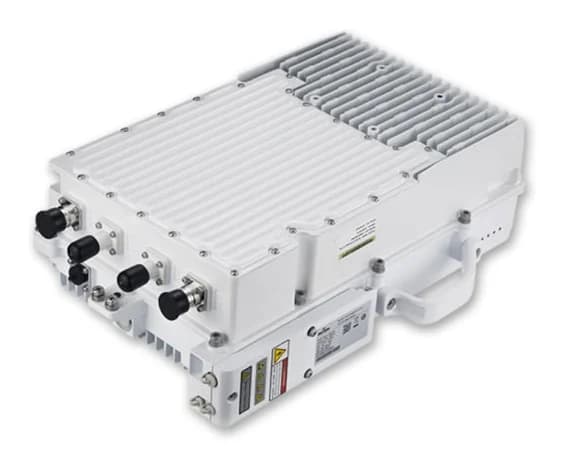 Radio · LTEBaicellsBaicells Nova246Sold by Waveform
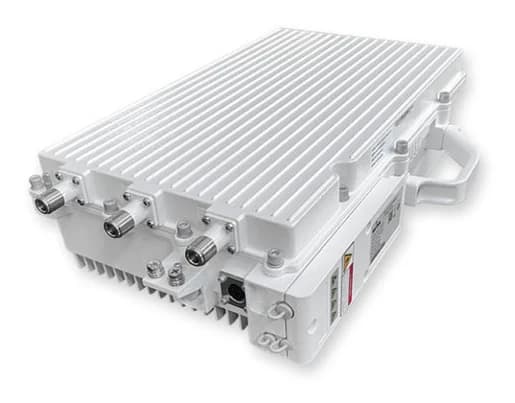 Radio · LTEBaicellsBaicells Nova249Sold by Waveform
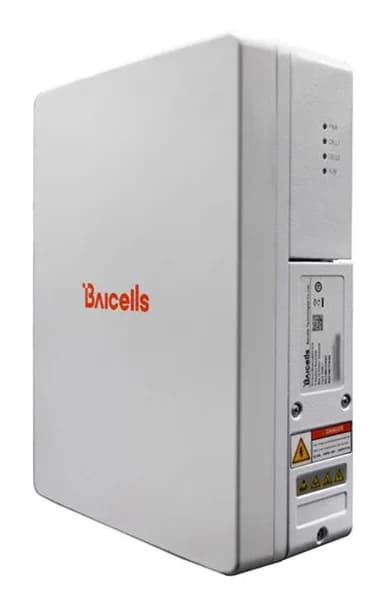 Radio · LTEBaicellsBaicells Nova430iSold by Waveform
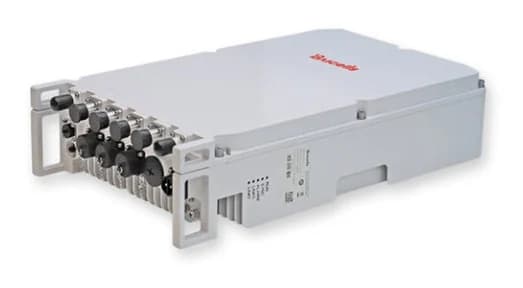 Radio · 5GBaicellsBaicells Aurora454Sold by Waveform
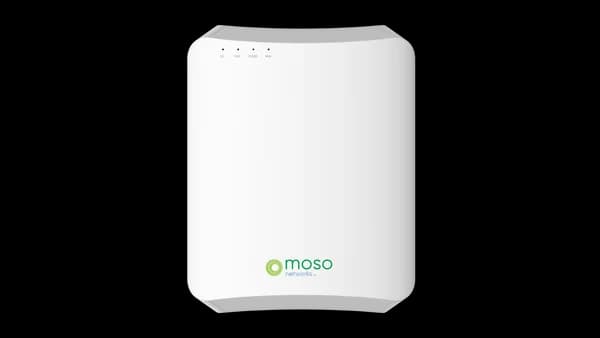 Radio · LTEMoso NetworksMoso Canopy 4GID1Sold by Waveform
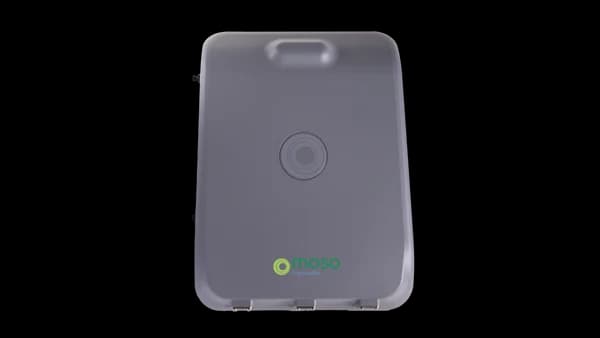 Radio · LTEMoso NetworksMoso Canopy 4GOD1Sold by Waveform
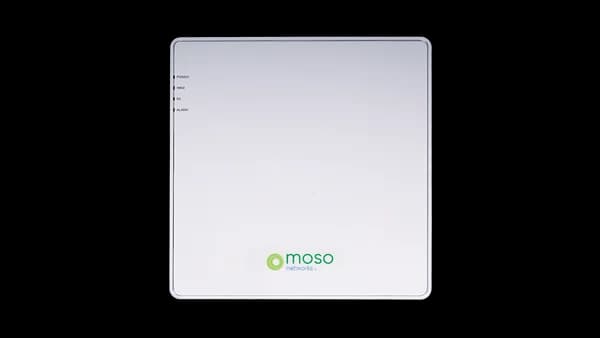 Radio · 5GMoso NetworksMoso Canopy 5GID1Sold by Waveform
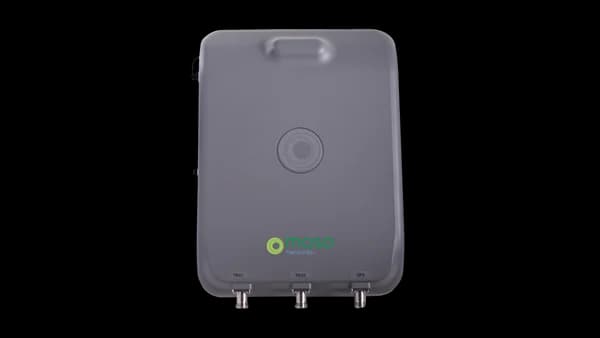 Radio · 5GMoso NetworksMoso Canopy 5GOD1Sold by Waveform
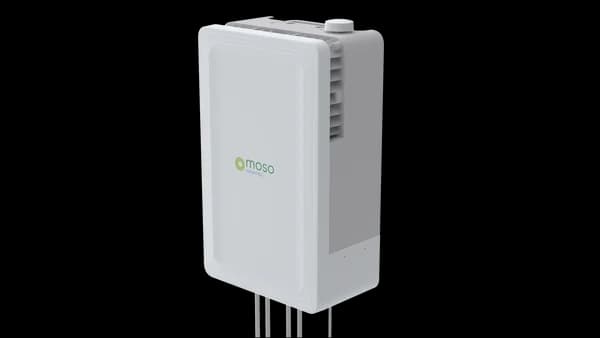 Radio · 5GMoso NetworksMoso Canopy 5GOD2Sold by Waveform
Waveform, which sells some of these products, is operated by the team behind Private5G.com.
Linked records are examples to evaluate against your requirements, not recommendations.
Enter your device counts and per-device traffic. The brief separates arithmetic from engineering decisions and never estimates radio counts.
About this guide: Private5G.com editorial planning guidance, reviewed Sep 30, 2026. It makes no product, price, or performance claims; linked records carry their own sources.

Connect fixed and relocatable cameras beyond practical cable runs, and plan around sustained uplink video.

Keep yard trucks, tractors, and autonomous vehicles connected as they move across large outdoor sites.

Connect scanners, mobile robots, and vehicle terminals across tall racking, docks, and yards.

Connect machines, sensors, and mobile equipment on the plant floor, and decide how that traffic reaches control systems.